
Design visually
Click anything on the page and shape it.
Type, colour, spacing and layout sit in one inspector, grouped and within reach, with separate styles for tablet and phone.
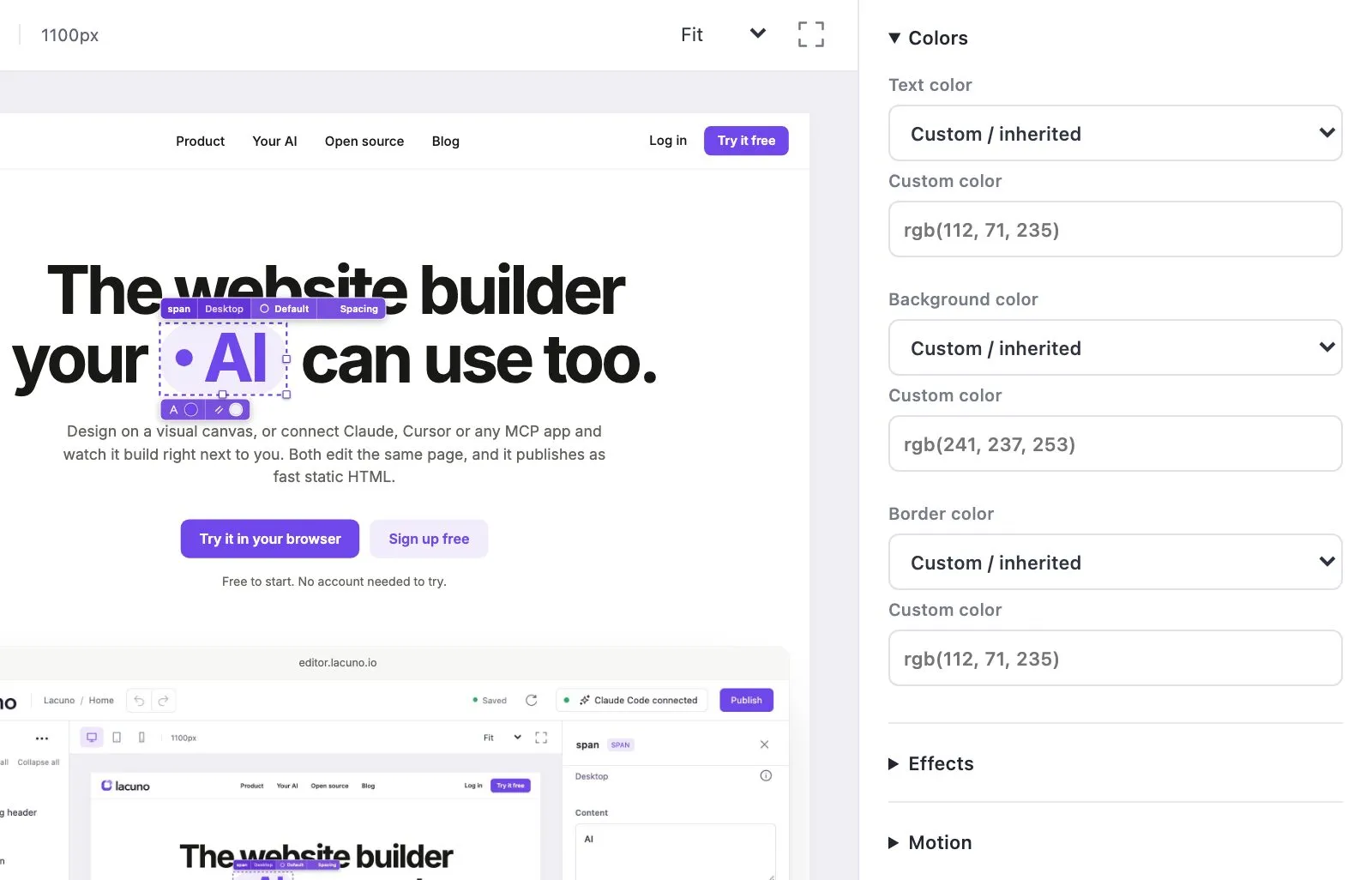
Design on a visual canvas, or connect Claude, Cursor or any MCP app and watch it build right next to you. Both edit the same page, and it publishes as fast static HTML.
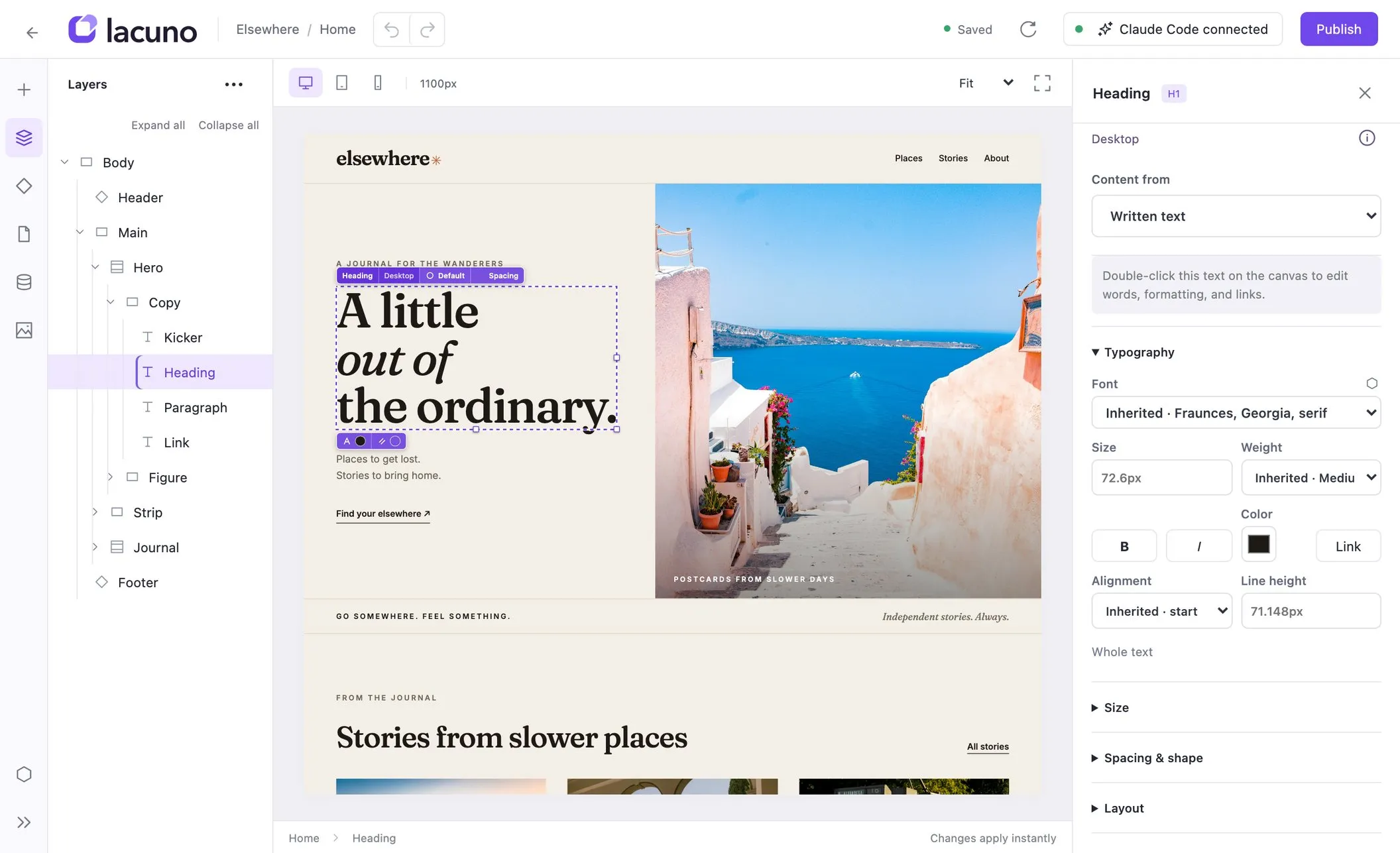
“Make this feel like an independent travel journal.”
Your AI edits. You see every change.
One editor. A completely different world.
Explore showcase.lacuno.io ↗Connect your AI
Give Claude, Cursor or any MCP app your site’s address. Approve the connection once, then watch it build alongside you.
Your AI and your visual editor work on the same page.
How building with MCP works →
Your canvas
One shared page
Connect through MCP
See it in one minute
A real site: fixed by Claude in the editor, then a pricing section from one sentence.
Watch on YouTube ↗
A slower kind of summer
Scopello, Sicily

Mornings in the loggia
Varenna, Lake Como

The last tram up the hill
Lisbon, Portugal
Content, built inNew
Collections live in the same editor. Add your fields, write the entries, and design one page that shows them all. Every entry gets its own page, published as static HTML, and your AI can add entries too.
No lock-in
Export your whole workspace with one click and run it on your own server with Lacuno Community — or download any site as plain HTML for any host. No lock-in script, no proprietary runtime.
Open source (AGPL). Export and self-hosting guide included.
Your workspace
Sites, CMS and assets
Design visually
Type, colour, spacing and layout sit in one inspector, grouped and within reach, with separate styles for tablet and phone.
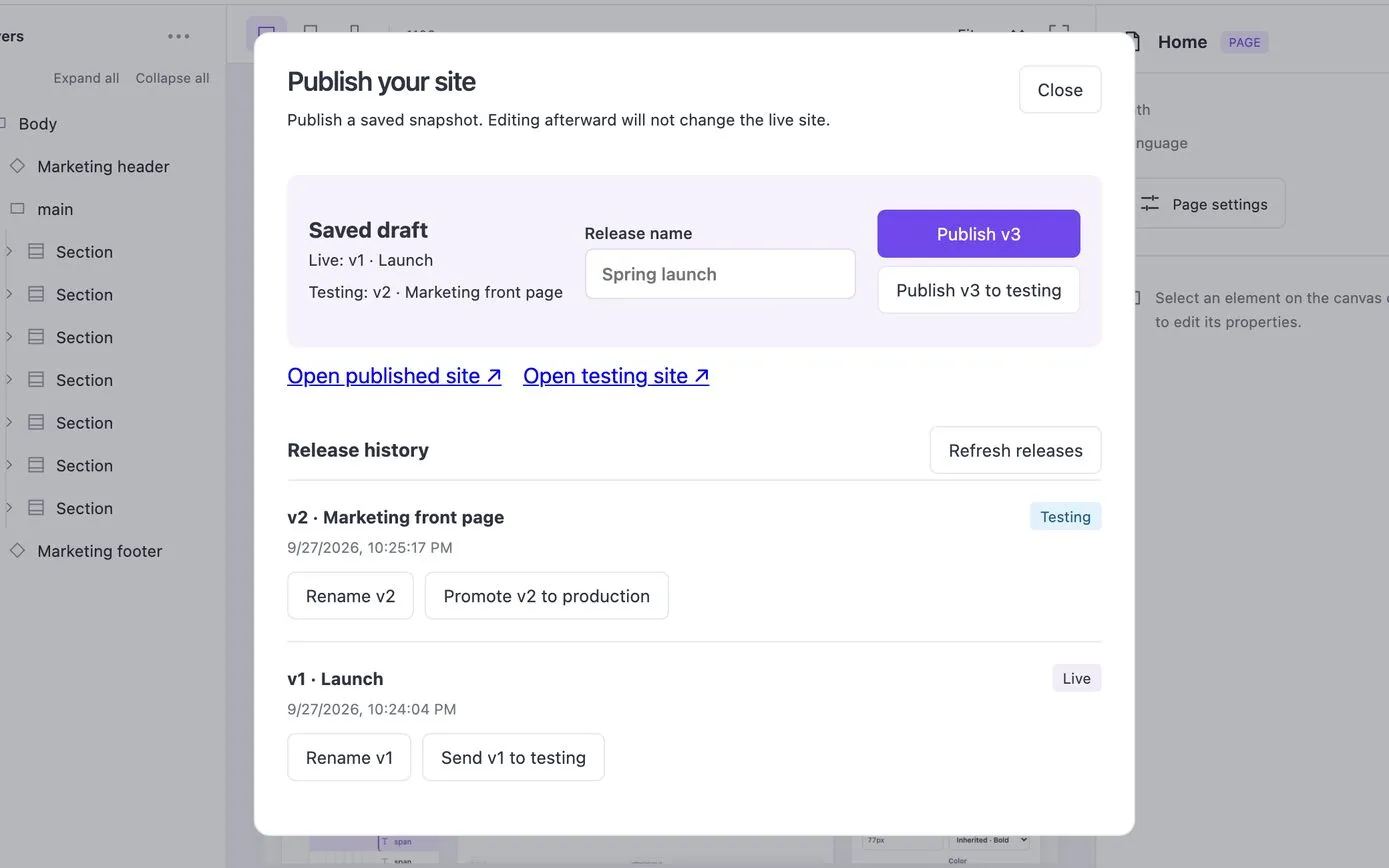
Publish
Every release is a saved snapshot of plain HTML and CSS. Keep editing without touching what is live.
Colours, spacing and type, named once and used everywhere.
Build a header once and reuse it on every page.
Blog posts and other content, each with its own page.
Adjust any style for tablet and phone.
Give every token a value for each mode.
Static output
No runtime and no lock-in script. Pages load fast and are easy to host anywhere.
One document
Your whole site is one structured document. You and your AI edit the same source of truth.
Open the editor in your browser. Sign up when you want to publish.